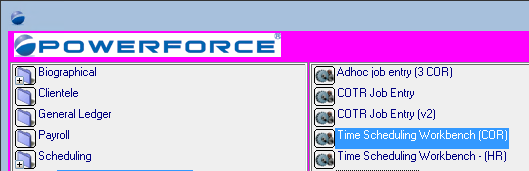
This document details how to locate the physical location of your Powerforce installation.
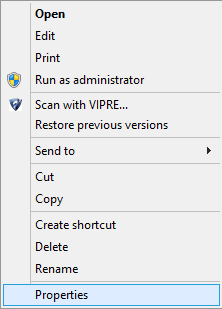
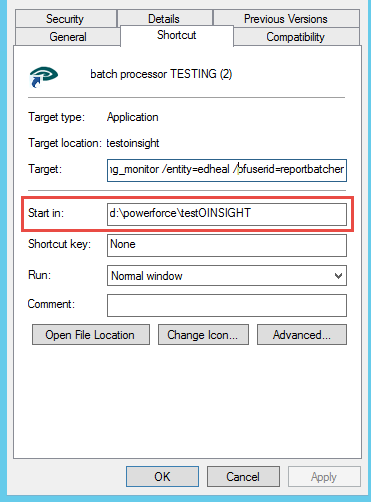
Select the element titled "Properties" to get the next screen, which will resemble the image below. The details against "Start in" reflect the path or location of where your Powerforce is installed. This is your Powerforce "HOME directory".
It is our practice to install a 'test' version of Powerforce for those clients with more than 100 employees, to facilitate the staging of software patches into the customer's environment.
This is done to enable you to test the software patches and confirm that nothing in the patches will adversely affect your production environment. Once you confirm that the patch is ok, you may apply the patch to your production system.
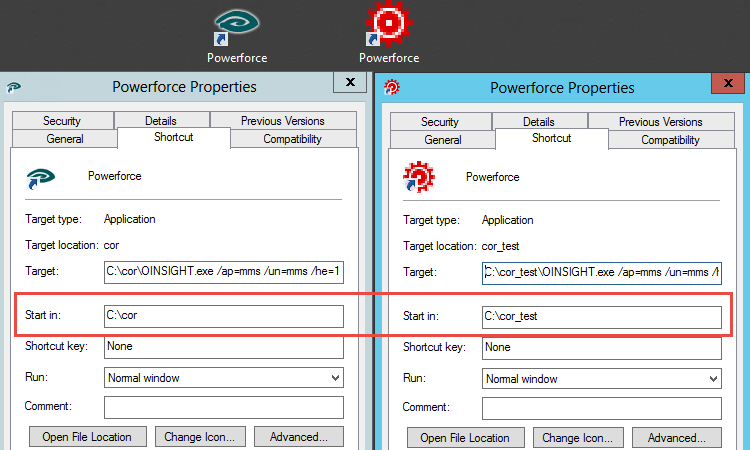
What we recommend is the setting up of a complete copy of your production application, and then create a secondary shortcut to the test environment.
This environment, not only being a test-bed for software patches may also be used for staff training without adversely affecting live data.
We recommend a setup similar to the following:
In this instance, we colour the form outline in 'pink', which is generally quite noticeable, as these images show:
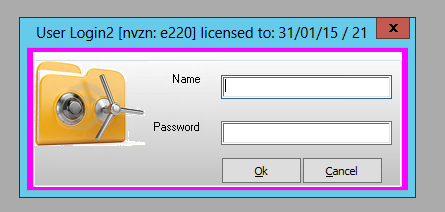 and
and