Home
Helpdesk
Introduction
There are instances of where the timesheet entry creates a lone 1 minute shift. This in trun causes the AI upload into Meridian to create an error in the upload and incorrect data for payroll processing.
|
Getting There:
[ SC ] –> Modules / Module Options
|
Introduction
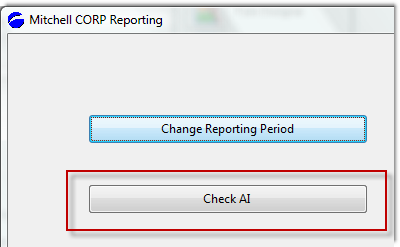
As in interim solution in catching instances of where this error occurs, we have developed a quick report which lists the employees and shifts with the problem.
Top of Page
Output of report

Top of Page
Correcting the error (interim solution)
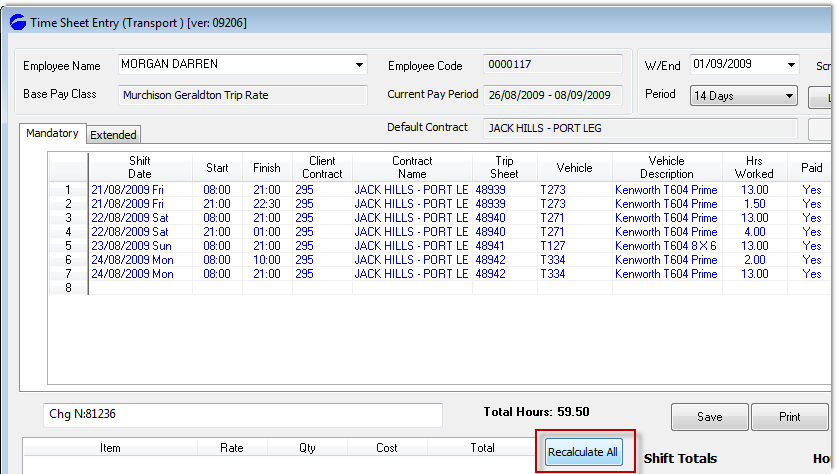
- Open the Trucking timesheet entry screen
- Select the employee
- Open the screen into edit mode
- Press Recalculate (the problem is then corrected)
Top of Page
Verify the correction
Rerun the Check AI process to verify that the error is corrected.
Top of Page
See Also
 PowerForce Controls PowerForce Controls
|