Home

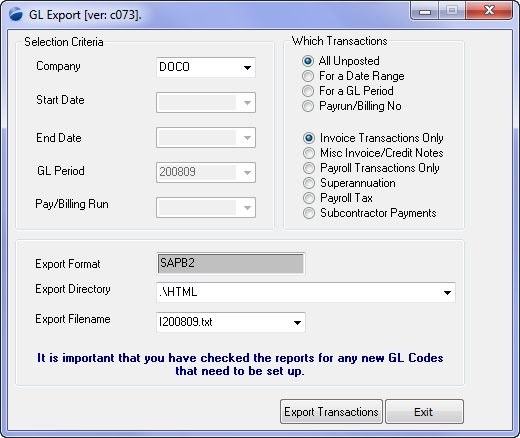
The General Ledger export process is the common form through which you export your GL data. The export is multi-optioned to provide for the maximum export criteria mix for the user.
|
Getting There:
[ Nav ] –> General Ledger / General Ledger Export |
Introduction
You only need to enter the Chart of Accounts for the accounts that you need to interface with from Powerforce. Generally only ccounts that are used by the payroll & billing systems.
As with all aspects of GL, the exports are company based, and hence you have to export one company at a time.
- Select company
- Select transaction type
- Select specific generation or payrun
- Confirm the export file name (& location)
- Press Export Transactions button
See Also
 PowerForce Controls PowerForce Controls
|