Home
Employee Hours Timesheet™
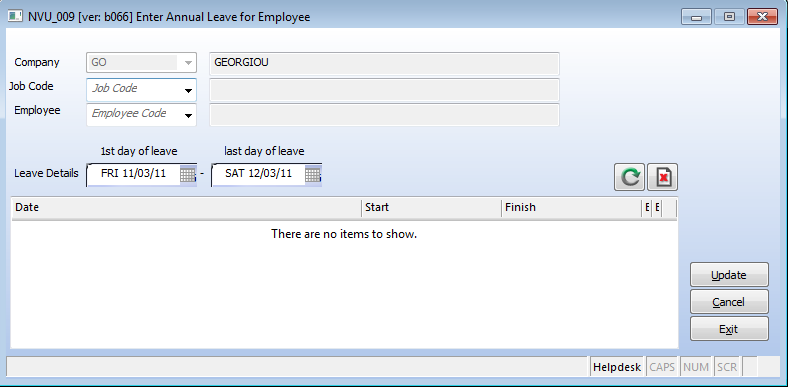
This is the data entry screen for Annual Leave. This screen is only available to the payroll department
|
|
Introduction
Annual leave will continue to be processed as is the current practice. Site managers will forward annual leave requests to payroll for management. Payroll will set the annual leave, which will then create Annual Leave entries for the employee. Site based employees will appear on their site timesheets on Annual Leave. In this way the employee's timesheet will be correct and the site manager will see that they do not need to create timesheet entries for the employee.
Setting Annual Leave
Top of Page
Checking on Annual Leave
To check if an employee has leave in the system, enter the employee id, and press the refresh button. The system will retrieve any leave records if they exist.
See Also


Article updated by PowerForce Software on Monday, March 14, 2010.
Copyright ©2007-2013 Envizion Systems - All Rights Reserved - Terms of Use.
|