Home > Tutorials

TimeSheet Entry - PowerForce ™
Introduction
Following the meeting of Oct 18, and further analysis of data capture requirements, the previous two time sheet entry screens are being consolidated into a new format, which will allow for concurrent data capture of employee, sub-contractor, Georgiou equipment and hired equipment time sheet entry.
Top of Page
Time Sheet Entry
Each element of data capture will be presented to the user (site supervisor) as a dropdown. This will act as a speed-up of processing as well as immediate data validation.
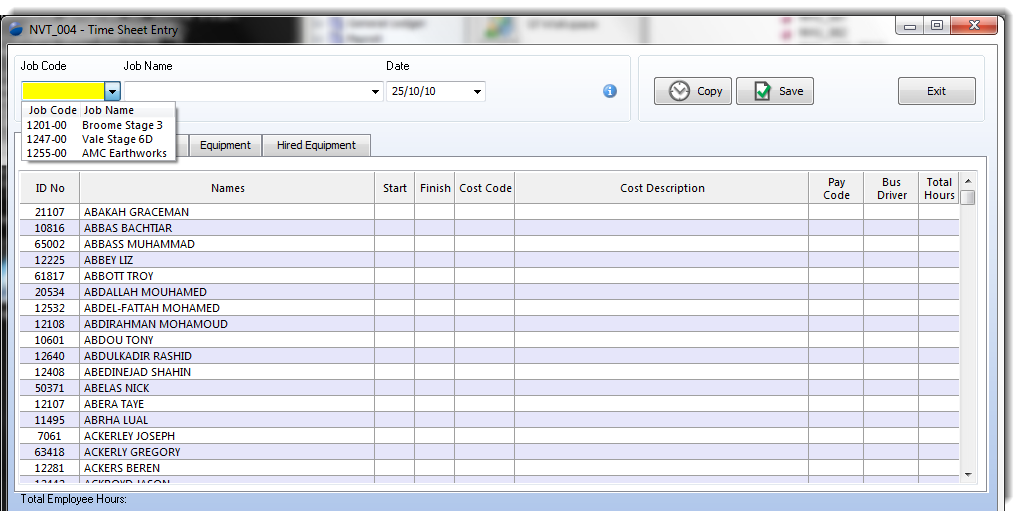
| Column Id |
Type |
Description & Use |
| Job Code |
Drop Down (Fixed) |
|
| Job Name |
|
|
| Date |
|
|
| |
|
|
| |
|
|
| Button |
Description & Use |
| Copy |
|
| Save |
|
| Blank |
|
| |
|
| |
|
Top of Page
Section
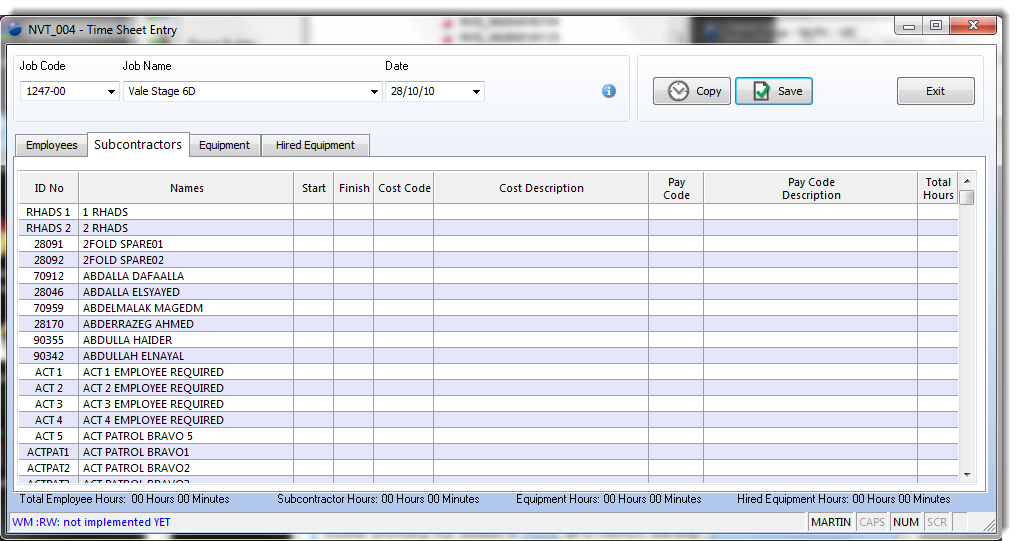
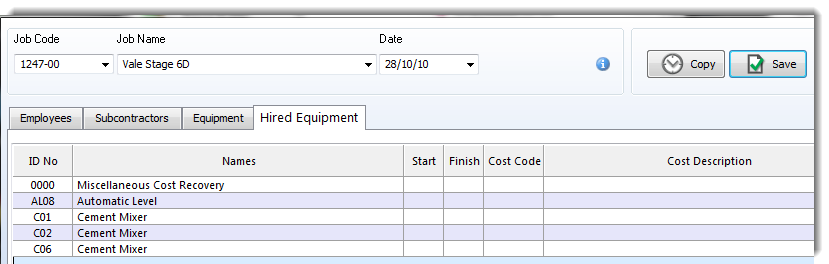
The most significant change is that between the Georgiou employee and its sub-contractors. This will provide for clear data entry, and help focus the user on correct data entry. The subcontractors will be presented on a tab of their own, as will Georgiou and Hired equipment.
Top of Page
Section
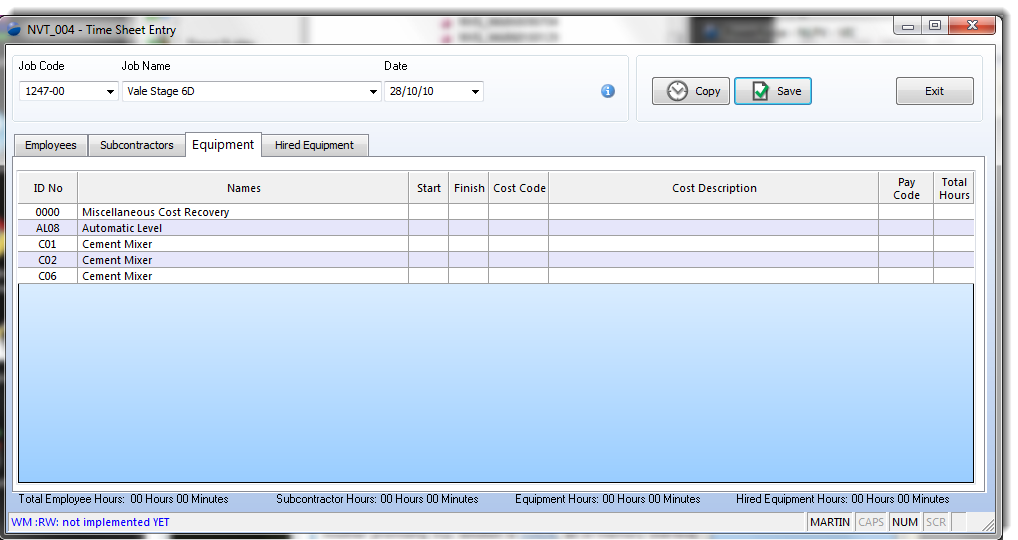
The equipment tab will immediately show the actual equipment that is on this site.
This serves as a control on data entry and presents a clear image of what actually is being used on the job.
Speeding up Data Entry
To expedite the entry of data between days, a "Copy" button is provided to allow for the copy of time sheet data from a previous date to the date being entered.

Duplicating Data Entry
As the expectation is that most shifts will be copies of very similar data to that of the day / period before, each data entry cell is easily copied from its predecessor with the following shortcuts.
WIP : TODO The following items have been discussed as requirements for this screen
- Allow for the entry of multiple times per employee per day
- Function to allow the site manager (user) to dynamically add / remove elements of their dropdowns.
Top of Page
See Also
 PowerForce Controls PowerForce Controls
Time Sheet (window) re-Design requirements document
Top of Page

Article updated by PowerForce Software on Thursday, November 4, 2010.
Copyright ©2007-2013 Envizion Systems - All Rights Reserved - Terms of Use.
|